

Elevator lobbies & inside elevators
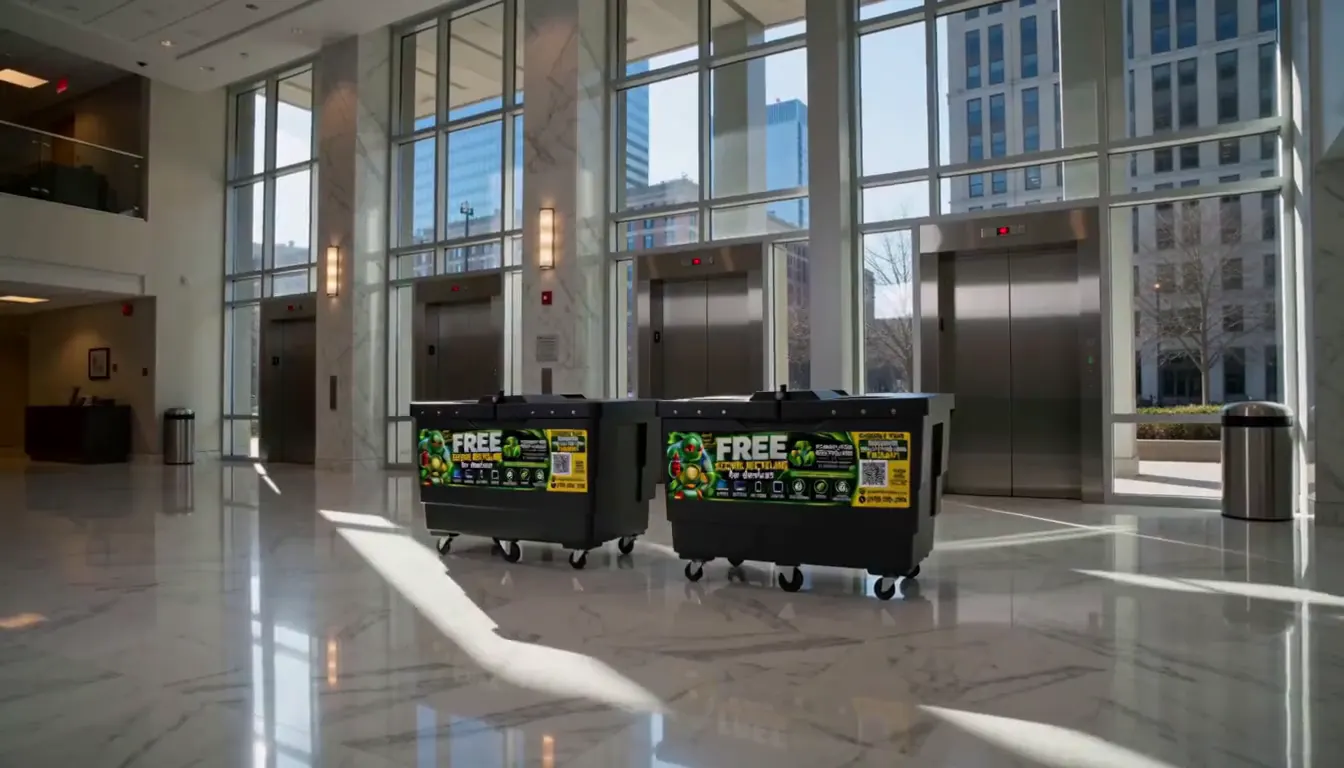
People wait here every day with nothing to read. Put one at every elevator bank, on every floor if you can, and one inside each car.
A professional flyer to print, ready-to-send emails for every step, the spots where flyers actually get read, and answers to every question your people will ask. Type your details once and everything fills itself in.
How your drive works
Here’s what happens from drop-off day to pick-up day, so you can explain it to anyone who asks.
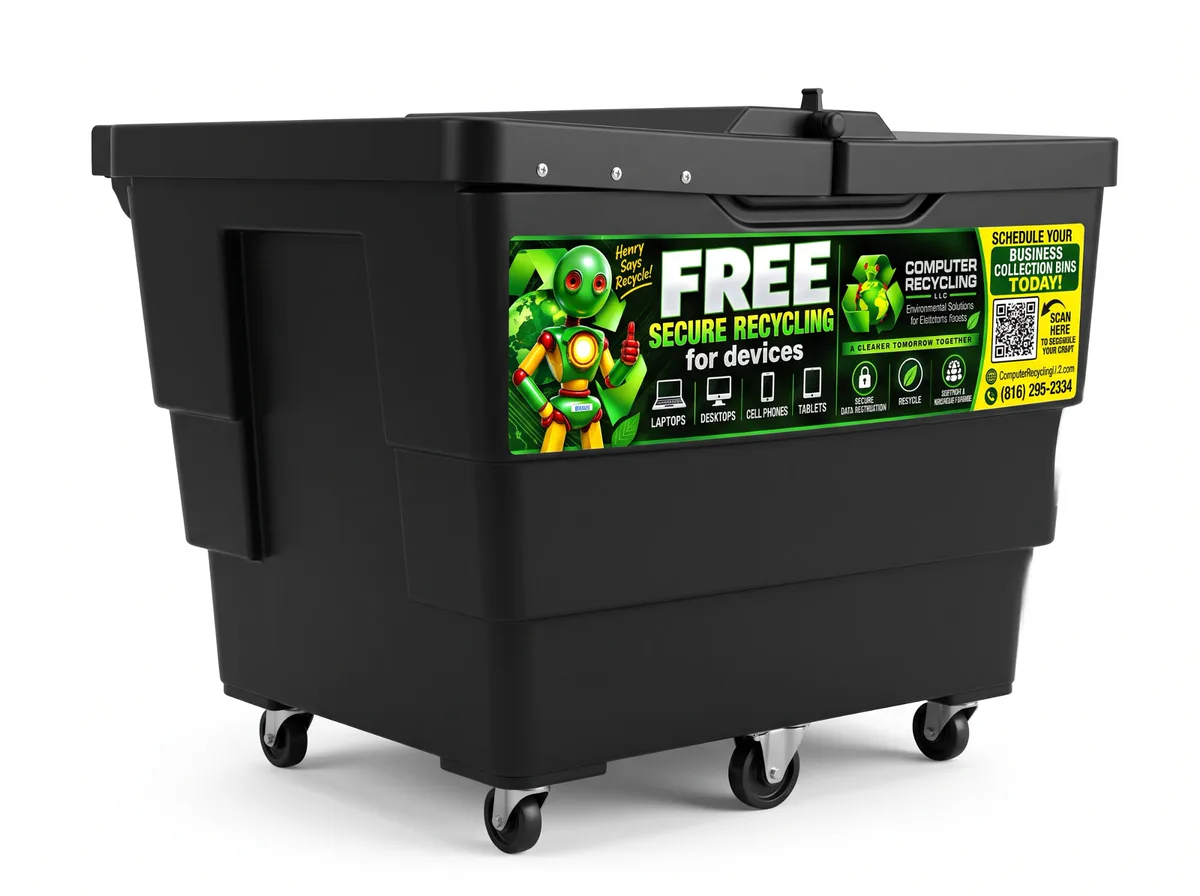
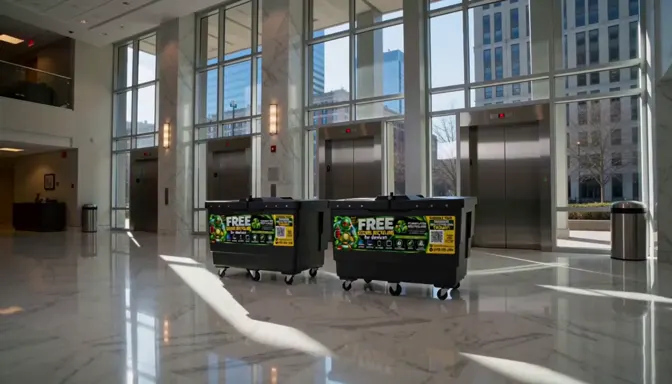
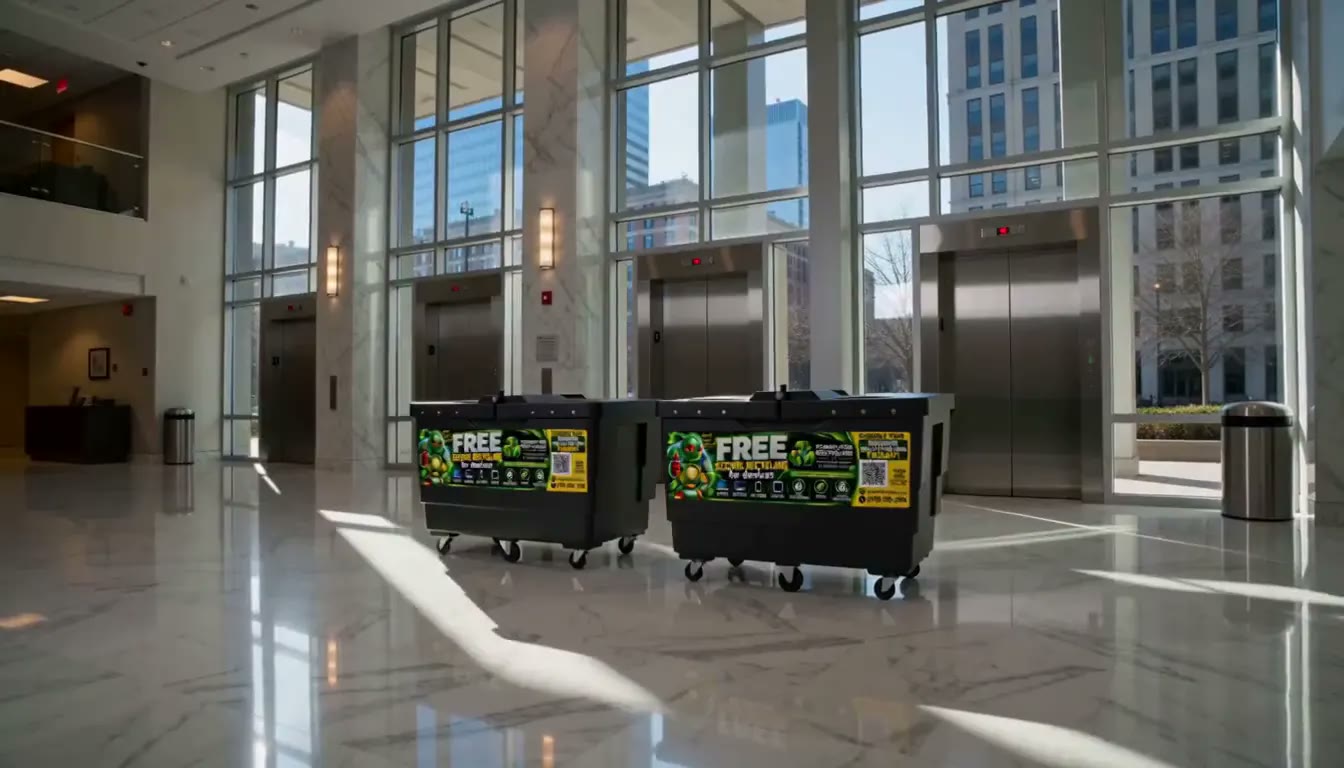
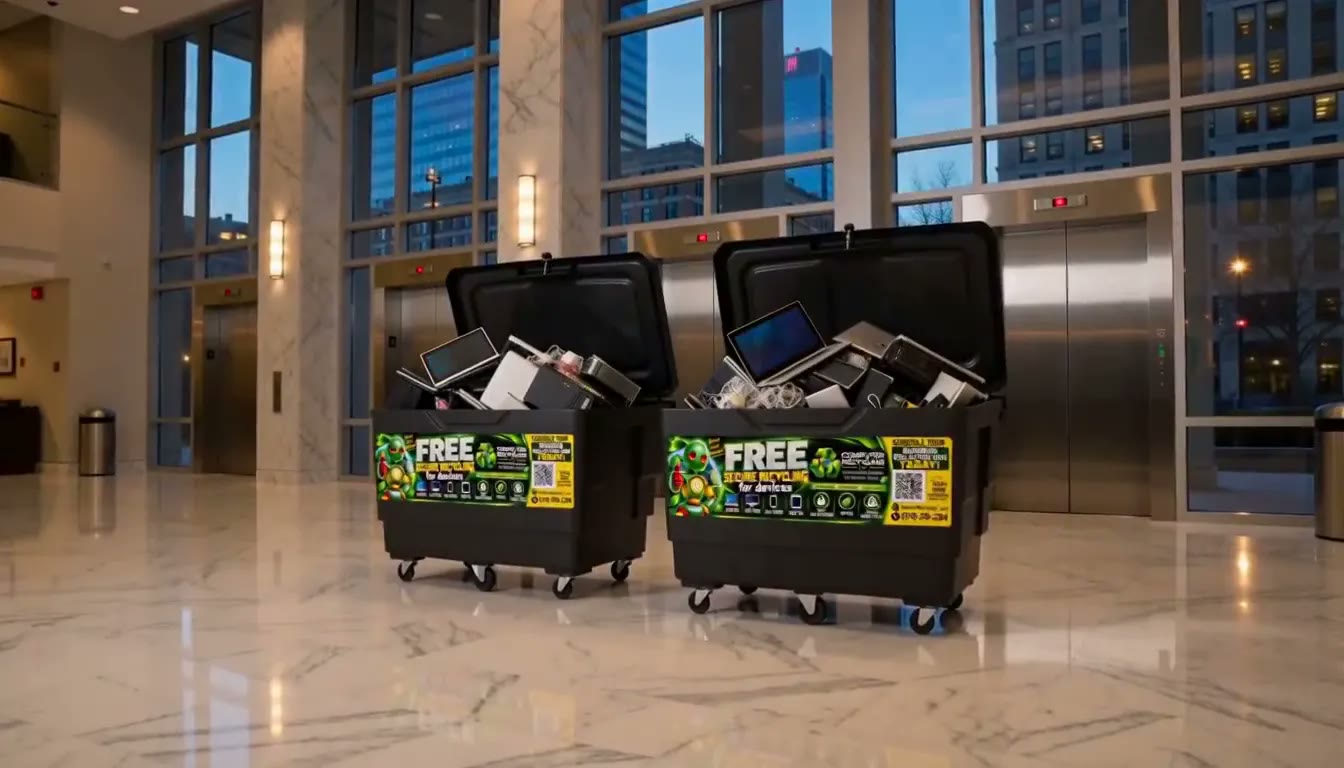
On your drop-off day our crew brings the bins to your lobby, mailroom or break room, parks them label-out and clear of walkways and exits, and checks in with your front desk.
On your drop-off day
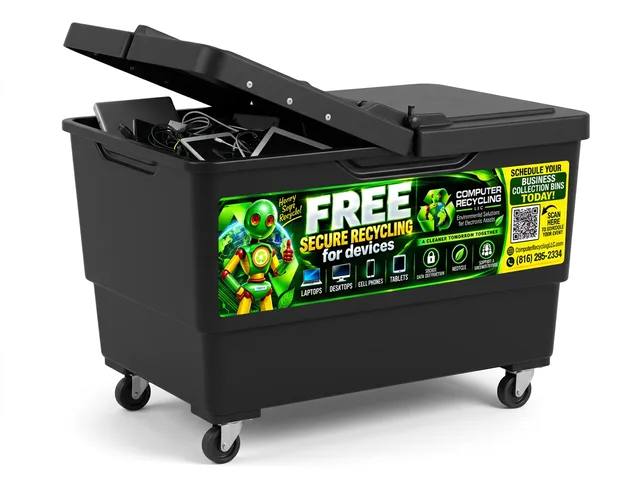
Tenants, residents or employees drop old phones, tablets, laptops and desktops in on their way past. No sorting, no forms. Your job is just to spread the word.
While the bins are out
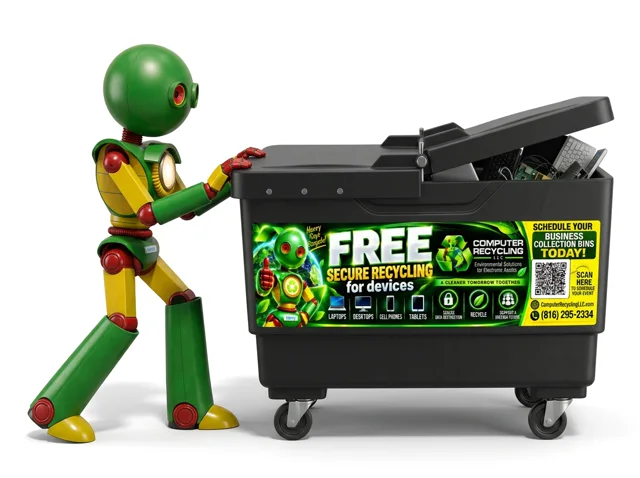
On pick-up day we roll the full bins out and take everything to our North Kansas City facility. Every drive is wiped or shredded and nothing goes to a landfill.
On your pick-up day
Step 1 · Your details
Your flyer, signs, emails and plan all update as you type. Change anything you like.
Step 2 · Print
Pick a design, hit print. Everything is sized for standard letter paper, so any office printer works.
Need a PDF? In the print window, choose Save as PDF as the printer. Attach it to your emails or post it on a lobby screen.
Live preview · prints on letter paper
Step 3 · Post
A flyer works when someone has ten seconds with nothing else to look at. These are the spots that get read.
People wait here every day with nothing to read. Put one at every elevator bank, on every floor if you can, and one inside each car.
Everyone walks past twice a day. Ask the front desk or concierge to point people to the bins.
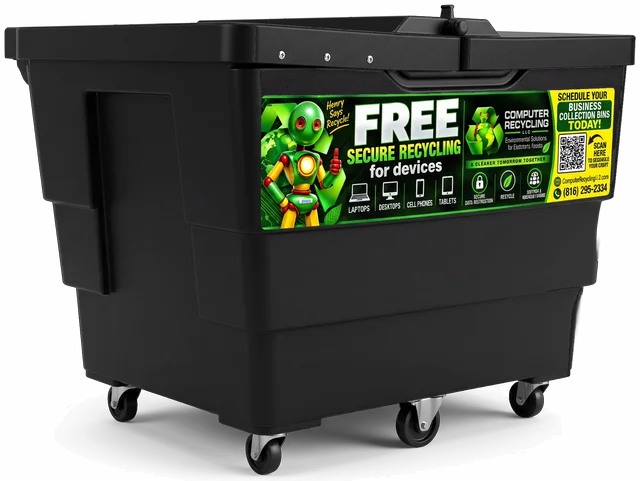
Tape a bin sign to the front of every bin, so nobody has to guess what goes in — or what doesn’t.
Residents and staff stop here almost every day. A top spot for HOAs and apartment communities.
Where office conversations start. Perfect for a second flyer the week the bins arrive.
Catches people on the way in, when they can still grab that old laptop out of the car.
Clubhouses, fitness rooms, laundry rooms and community boards — anywhere people linger.
Save the flyer as a PDF and post it on lobby screens, your tenant or resident app, the intranet, Slack or Teams.
Step 4 · Announce
Pick who you are and every email is rewritten for your people — with several subject lines to choose from. One for every step of your drive, plus short versions for texts, Teams, Slack and newsletters.
Who are you?
Anything in highlighted brackets is waiting for your details in Step 1.
The property manager, office manager, HR or the HOA board gets opened. A no-reply address gets ignored.
Use your distribution list, or put everyone in BCC, so you don’t share everyone’s email address.
Save it as a PDF from the print window and attach it, or paste it right into the email as a picture.
Short subject lines with the dates get opened. The templates already do this for you.
Tuesday through Thursday, 9 to 11 AM, tends to get read before the inbox fills up.
Department heads, floor captains, the tenant app, Nextdoor or the community Facebook group can carry it further.
Photos & video
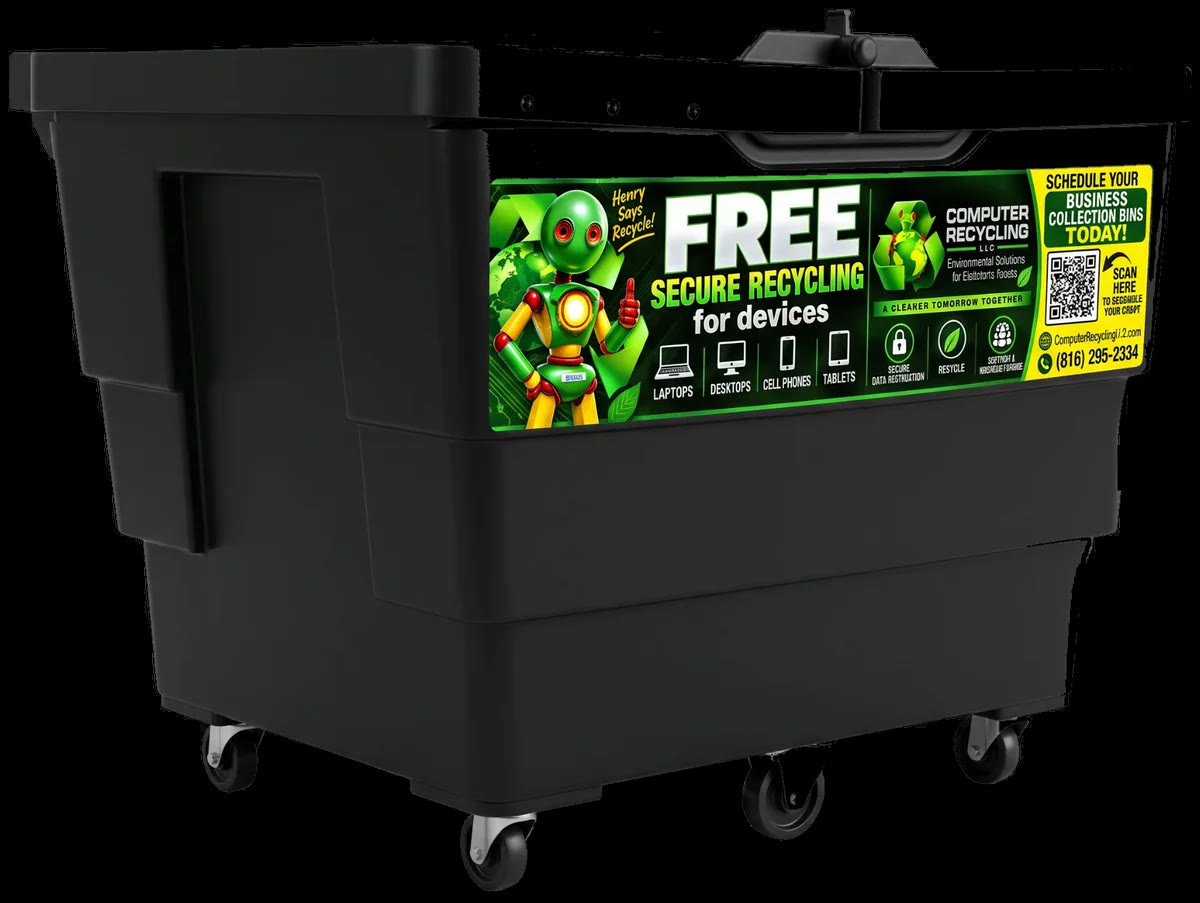
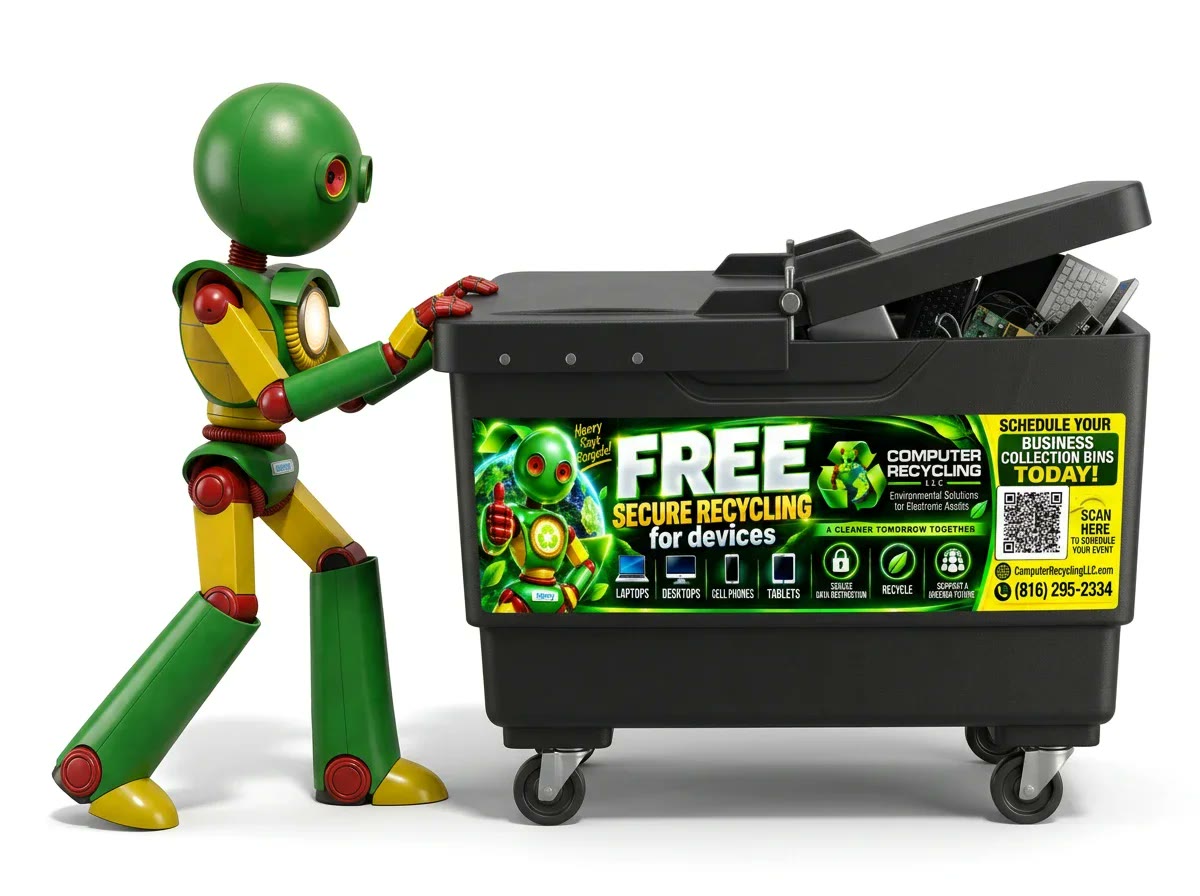
Put the time-lapse on lobby screens, drop the photos into your newsletter, intranet or tenant app, and add the QR code to anything you print. You’re welcome to use all of it to promote your drive.
 Video · 15 sec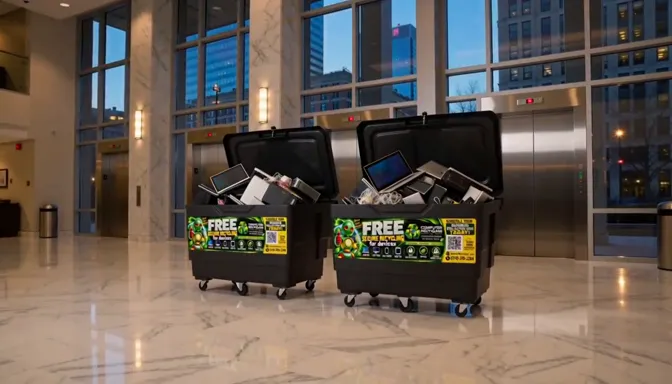

Your promotion plan
Dated from your drop-off and pick-up days. Add it to your calendar and you’ll get a nudge for every step.
What goes in the bin
Share this list, or point them to the QR code on the flyer — it opens the same list on their phone.
Can’t do it? Drop it in anyway. Every drive is wiped to NIST 800-88 or shredded, and nothing goes to a landfill. How to wipe a device
Host checklist
0 of 0 done
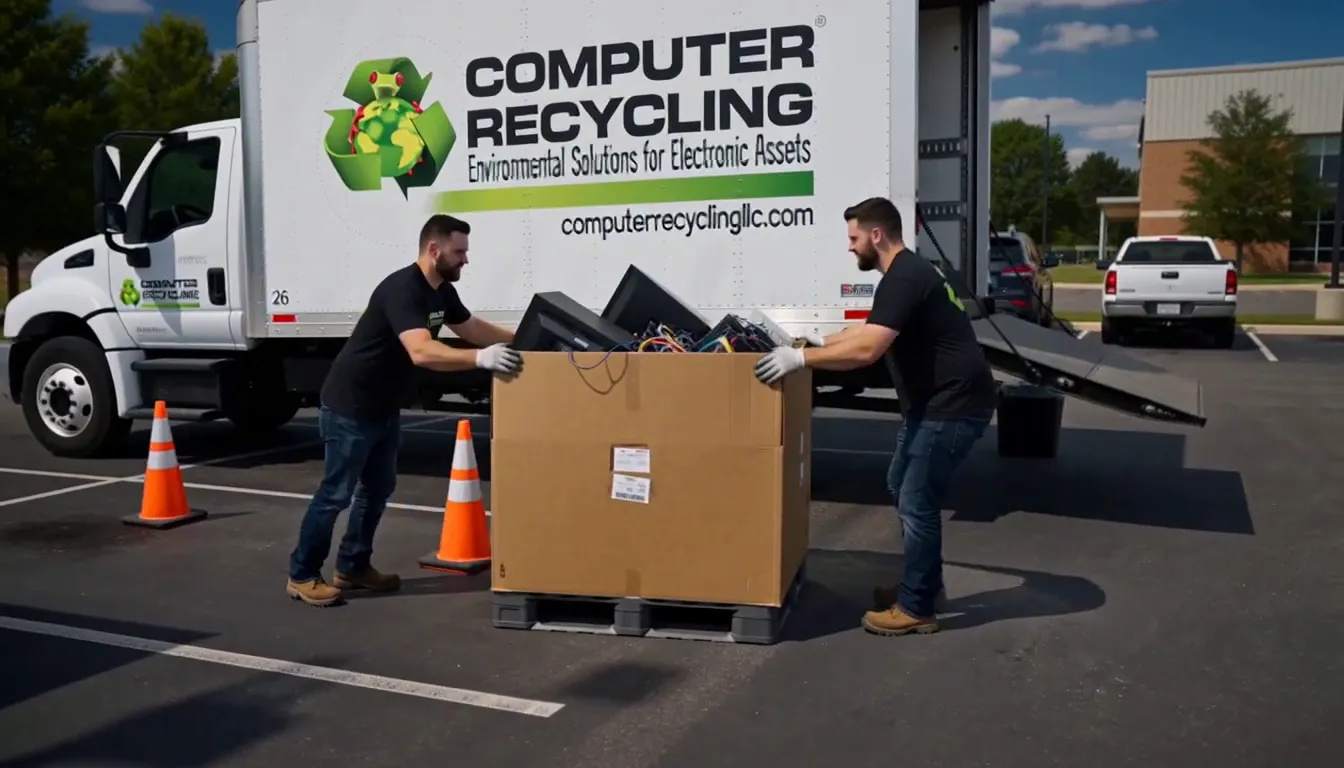
Want a bigger day?
We bring our 26-foot truck to your parking lot and unload every car that drives up. A great follow-up to your bins, or a spring-cleaning, Earth Day or community-day event on its own.
Host questions
Anything else? Reply to your confirmation email, text (816) 838-6298 or call (816) 295-2334.
It helps to have someone show our crew where the bins go on drop-off day and make sure they’re easy to reach on pick-up day. In between, there’s nothing to do except tell people about it.
Great problem to have. Call or text us at (816) 295-2334 and we’ll work it out with you.
Yes. Reply to your confirmation email or call us. If we change your booking, the dates in this kit update by themselves the next time you open it.
Yes. Everything goes straight to our North Kansas City facility. Drives and phone storage are wiped to NIST 800-88 standards or physically shredded, and nothing goes to a landfill. See how our data destruction works.
Yes. Certificates of Recycling and Data Destruction are free for businesses. Reply to any of our emails and ask.
No. The bins, drop-off, pick-up and recycling are free, and so is this kit.
TVs and large monitors can come to our dock at 125 E 10th Ave in North Kansas City — the first 3 TVs are free, then $10 each, and we can’t take CRT or plasma TVs. For a big load from a business, book a pickup.
Yes. Use “Share this kit” at the top. The link only shows this kit and your event dates; it can’t change or cancel your booking. Details you type here stay in your own browser.
Any time — spring and fall cleaning are great times for another one. Book your next drive whenever you’re ready.
We’re here to help
Reply to any of our emails, text us or call. A real person in North Kansas City answers.
Step 5 · Share
Social posts,
made for you.
Download a ready-made image in the right size for each app, then copy the caption. Both use your name, dates and the spot where the bins will be.
On a phone? Press and hold the image to save it to your photos, then share it from there.
Square post · 1080 × 1080 PNG
Captions, ready to paste